Thèmes personnalisés
Tip
Tu peux trouver des thèmes bonus ici.
Thèmes
HD Admin est livré avec plus de 20 thèmes gratuits, de Dark à Light, en passant par Cyberpunk, Cafe et Tycoon. Chaque jeu et chaque joueur (si c'est autorisé) peut choisir le sien depuis la page Paramètres.
Ajouter le tien
Ajoute simplement un ModuleScript dans Config > Themes avec n'importe quelle valeur parmi les suivantes :
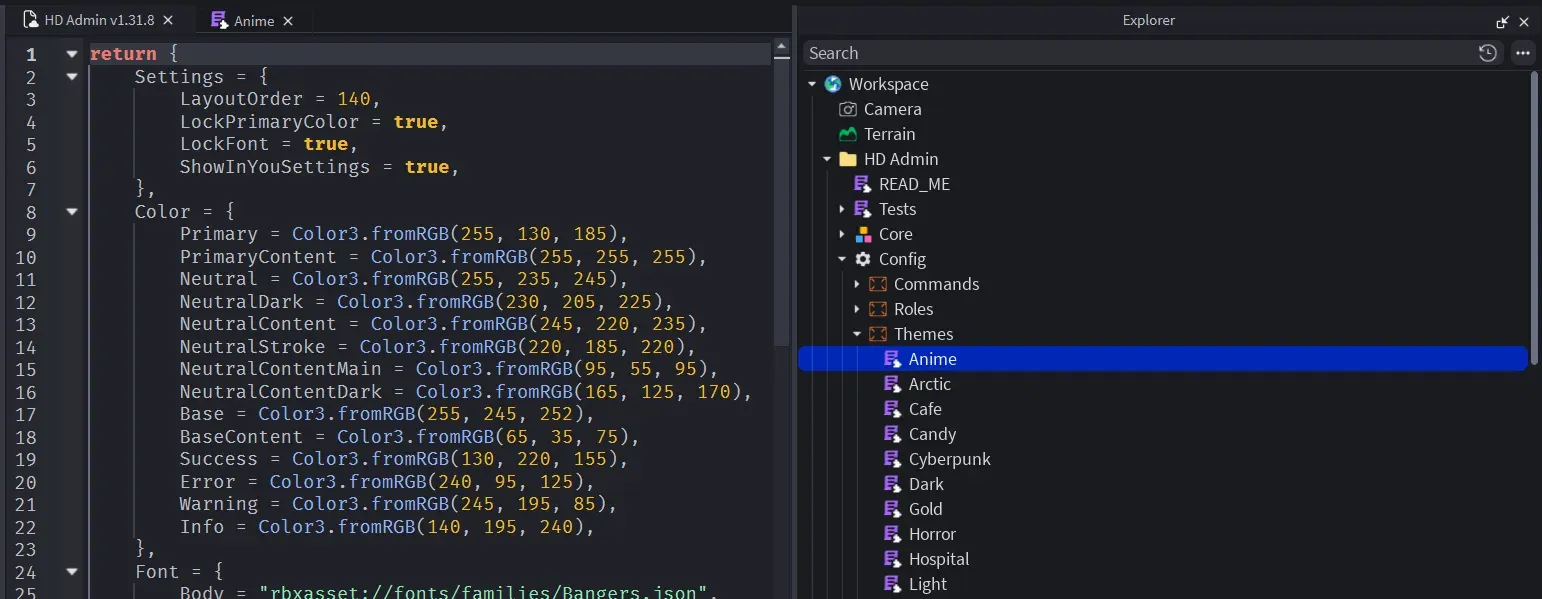
return {
    Color = {
        Primary = Color3.fromRGB(92, 124, 255),
        Neutral = Color3.fromRGB(39, 39, 42),
        NeutralDark = Color3.fromRGB(17, 17, 18),
        NeutralContent = Color3.fromRGB(61, 61, 63),
        NeutralStroke = Color3.fromRGB(49, 49, 52),
        NeutralContentMain = Color3.fromRGB(212, 212, 216),
        NeutralContentDark = Color3.fromRGB(161, 161, 170),
        Base = Color3.fromRGB(24, 24, 27),
        BaseContent = Color3.fromRGB(255, 255, 255),
        Success = Color3.fromRGB(34, 197, 94),
        Error = Color3.fromRGB(239, 68, 68),
        Warning = Color3.fromRGB(251, 191, 36),
        Info = Color3.fromRGB(34, 211, 238),
    },
    Font = {
        Body = "rbxasset://fonts/families/BuilderSans.json",
        Heading = "rbxasset://fonts/families/BuilderSans.json",
    },
    FontWeight = {
        Light = Enum.FontWeight.Light,
        Regular = Enum.FontWeight.Regular,
        Body = Enum.FontWeight.SemiBold,
        Bold = Enum.FontWeight.Bold,
        Heading = Enum.FontWeight.Heavy,
    },
    TextSize = {
        Title = 22,
        Subtitle = 18,
        Body = 16,
        Label = 14,
        Small = 12,
    },
    Layout = {
        CornerRadius = 6,
        StrokeThickness = 1,
        Spacing = 18,
        Padding = 16,
        Sizing = 16,
        ContentScale = 1,
    },
    Sound = {
        Hover = "rbxassetid://10066936758",
        Click = "rbxassetid://16480549841",
        Focus = "rbxassetid://16480549841",
        Switch = "rbxassetid://9119713951",
    },
    Settings = {
        LayoutOrder = 100, -- its position in the themes list
        ShowInYouSettings = true, -- players can pick it as their personal theme
        LockPrimaryColor = false, -- stop players changing the primary colour over this theme
        LockFont = false, -- stop players changing the font over this theme
    },
}
Reste simple
Un thème se construit à partir du thème de base Dark, donc tu n'as qu'à inclure les changements que tu veux :
return {
    Settings = {
        LayoutOrder = 20,
        ShowInYouSettings = true,
    },
    Color = {
        Neutral = Color3.fromRGB(255, 255, 255),
        NeutralDark = Color3.fromRGB(200, 200, 206),
        NeutralContent = Color3.fromRGB(210, 210, 216),
        NeutralStroke = Color3.fromRGB(200, 200, 206),
        NeutralContentMain = Color3.fromRGB(82, 82, 91),
        NeutralContentDark = Color3.fromRGB(145, 145, 155),
        Base = Color3.fromRGB(234, 234, 239),
        BaseContent = Color3.fromRGB(55, 55, 65),
    },
}
